Advertisement
)

At a Glance
- Concept: A standardized authentication protocol (FIDO2) that replaces shared secrets (passwords) with hardware-bound asymmetric cryptographic keys.
- Why it matters: Passwords are fundamentally broken. Over 80% of all hacking-related data breaches involve stolen, reused, or guessed credentials. Passkeys make remote phishing mathematically impossible.
- Who uses it: Apple, Google, Microsoft, major financial institutions, and enterprise IT departments.
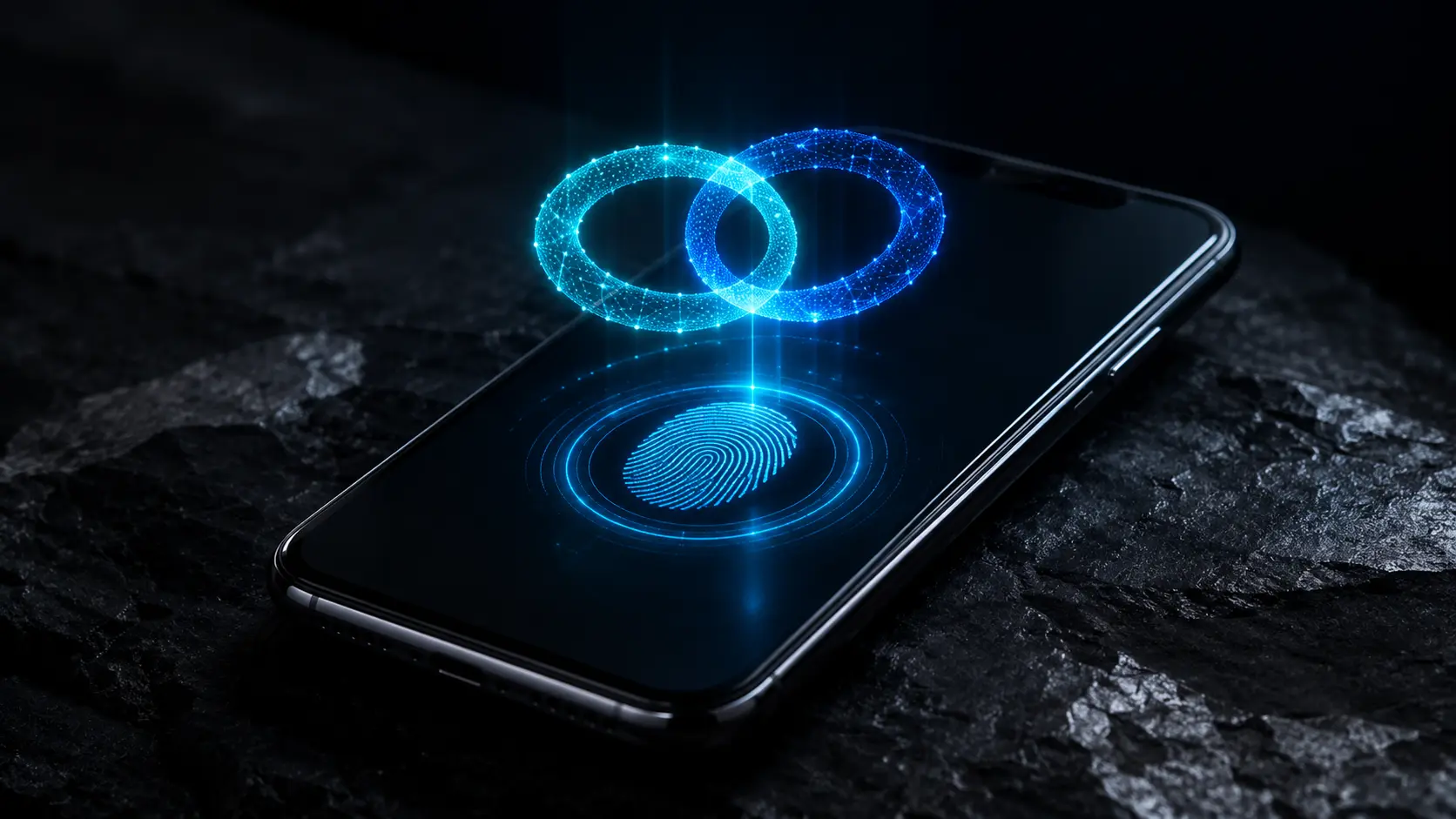
- Biggest takeaway: A passkey is not just a highly secure password stored in a manager. It is a cryptographic pair where the “secret” half physically never leaves your phone’s secure chip. The website only receives a mathematical puzzle piece that is useless to hackers if stolen.
In Simple Words
Imagine staying at a hotel. The traditional password system is like giving the front desk a physical copy of your house key for safekeeping. You have to trust that the hotel’s safe is unbreakable, and you have to trust that the person asking for the key is actually the receptionist. If the hotel is robbed, or if someone wearing a fake uniform tricks you, your key is stolen, and your house is compromised.
A passkey works entirely differently. Instead of giving the hotel a copy of your key, you give them a unique, locked padlock. You keep the only key to that padlock welded to your hand.
When you want to log in, the hotel hands you the padlock. You look at your phone (using FaceID or a fingerprint), which authorizes your hand to unlock the padlock. You hand the open padlock back to the hotel. You just proved you are the authorized user, but the hotel never saw, held, or stored your key.
If a hacker breaches the hotel’s database, all they steal is a pile of useless padlocks. If a hacker creates a fake website to trick you, your phone’s browser will realize the padlock doesn’t belong to that specific hotel, and it will simply refuse to unlock it.
Why This Matters
The global economy is built on a digital identity system that is structurally compromised.
Humans cannot memorize 100 unique, complex alphanumeric strings. Therefore, people reuse passwords. When one low-security website is breached, hackers use automated scripts to test those same email and password combinations across banking, corporate, and government portals (a tactic known as “credential stuffing”).
The cybersecurity industry attempted to fix this with Multi-Factor Authentication (MFA), such as sending a 6-digit code via SMS. However, cybercriminals adapted rapidly. Today, attackers use Adversary-in-the-Middle (AiTM) phishing kits. They create a fake login page that intercepts your password and your 6-digit code in real-time, instantly passing them to the real website to steal your session.
Passkeys are the nuclear option against this threat. Because a passkey relies on “origin binding”—meaning the cryptographic key is mathematically locked to the exact URL of the legitimate website—it cannot be phished. Even if a user is completely fooled by a fake login page, the underlying technology will refuse to hand over the credentials. By transitioning to passkeys, corporations can virtually eradicate the primary vector for ransomware, corporate espionage, and financial fraud.
The Big Picture
The eradication of the password is not happening by accident. It is being orchestrated by the FIDO Alliance (Fast IDentity Online) and the W3C (World Wide Web Consortium).
For decades, Apple, Google, and Microsoft fought brutal ecosystem wars, rarely designing technology to interoperate seamlessly. However, the cost of password-related breaches became so astronomically high that these tech giants formed an unprecedented alliance.
They collaborated to build the FIDO2 protocol, a universal, open standard that works exactly the same way on an iPhone, a Windows PC, or an Android tablet. By embedding this standard directly into the operating systems and web browsers of billions of devices, the FIDO Alliance created a ubiquitous, zero-friction cryptographic infrastructure that is finally ready to replace the 1960s invention of the typed password.
HOW PASSKEYS WORK
Eliminating the typed password requires fundamentally changing how a device communicates with a server. Here is the first-principles breakdown of the FIDO2 architecture.
1. The Fundamental Problem: Shared Secrets
A password is a “shared secret.” Both the user and the server must know the secret to verify the login. If the server’s database is hacked, the attacker acquires the secret. The fundamental security flaw of the modern internet is relying on the server to protect your data.
2. The Insufficiency of Traditional 2FA
To protect the shared secret, we added Two-Factor Authentication (SMS codes or Authenticator apps). But these are still vulnerable to real-time interception. If a user is tricked into typing their 6-digit code into a fake website (phishing), the attacker simply relays that code to the real website. The human is the weakest link.
3. The Core Mechanism: Asymmetric Cryptography
Passkeys replace shared secrets with Public-Key (Asymmetric) Cryptography. When you create an account, your device generates a pair of mathematically linked keys.
- The Public Key: This is sent to the website and stored in their database. It is not a secret. It is useless on its own.
- The Private Key: This is stored permanently in the hardware Secure Enclave of your phone or laptop. It never leaves the device.
When you log in, the website sends a “challenge” (a random string of data) to your phone. Your phone asks you to look at the camera (FaceID) to authorize the action. The phone then uses your Private Key to mathematically “sign” the challenge and sends the signature back to the website. The website uses your Public Key to verify the signature. Because only your specific Private Key could have created that specific signature, you are instantly logged in.
4. Technical Depth: WebAuthn and CTAP
The FIDO2 standard relies on two specific technical protocols operating in tandem:
- WebAuthn (Web Authentication API): The code that lives on the website and the browser. It allows the web server to ask the browser to create or use a public-key credential.
- CTAP (Client to Authenticator Protocol): The code that allows your browser to talk to your physical hardware (your phone’s Secure Enclave, or a physical YubiKey plugged into a USB port) to actually retrieve the signature.
5. Real-World Consequences: Origin Binding (Phishing Resistance)
The true superpower of the passkey is “Origin Binding.” When you register a passkey for “apple.com”, the WebAuthn API permanently binds that private key to that exact domain. If a hacker sends you a convincing email linking to “appIe.com” (with a capital “I” instead of an “l”), the browser checks the URL. It realizes the domain does not match the origin the passkey was created for. The browser will silently refuse to execute the CTAP protocol. The login fails, and the phishing attack is stopped with zero user intervention.
Real-World Applications
Passkeys are rapidly moving from a niche security feature to the default consumer experience.
Consumer Ecosystems (Google, Apple, Microsoft): When a consumer creates a new account on Amazon, their iPhone prompts them to “Save a Passkey.” The private key is generated and securely synced across all of their Apple devices via iCloud Keychain using end-to-end encryption. When they open their iPad, the passkey is already there, allowing them to log in instantly with a fingerprint.
Enterprise Network Security: Corporate IT departments are replacing mandatory password rotations and complex 16-character requirements with physical FIDO2 security keys (like YubiKeys) or Windows Hello passkeys. This eradicates helpdesk tickets for “forgotten passwords” (which cost enterprises millions annually in lost productivity) and completely immunizes the company against remote employee phishing campaigns.
High-Security Financial Services: Major global banks are integrating WebAuthn directly into their mobile apps. Instead of forcing users to receive vulnerable SMS texts to authorize a wire transfer, the banking app triggers a passkey challenge. The transaction is mathematically signed by the device’s hardware, protecting the funds even if the user’s cellular SIM card has been hijacked by an attacker.
Economic & Strategic Impact
The transition to passkeys fundamentally shifts the liability of cybersecurity.
For the past twenty years, the burden of security was placed heavily on the consumer. Users were blamed for creating weak passwords or falling for sophisticated phishing emails. Passkeys shift the burden entirely to the underlying hardware and browser architecture. The user no longer has to “be careful”; the math handles the security autonomously.
Economically, this transition is highly deflationary for cybercrime. The ransomware industry is largely fueled by Initial Access Brokers (IABs)—hackers who specialize in stealing employee passwords and selling that access to ransomware gangs on the dark web. As passkeys reach critical mass across enterprise networks, the supply of stolen, usable credentials will plummet. This severs the primary supply chain of the cyber-extortion economy.
Strategically, the rollout of synced passkeys cements the dominance of the major tech platforms. Because your passkeys are synced via your Google, Apple, or Microsoft cloud accounts, your digital identity becomes even more tightly integrated into their specific ecosystems. While cross-ecosystem standards exist, the gravity of native credential managers gives these three companies unprecedented control over the future of internet authentication.
Advantages
- Phishing-Proof: Origin binding makes it mathematically impossible for a user to accidentally hand their credentials over to a fake or spoofed website.
- Breach Resilient: If a company’s database is hacked, the attackers only acquire public keys, which are completely useless for logging into user accounts.
- Frictionless User Experience: Logging into a website becomes as fast and effortless as unlocking a smartphone screen, completely eliminating the cognitive load of memorizing complex passwords.
- No Password Resets: Eliminates the vulnerability and massive IT support costs associated with traditional email-based password reset loops.
Limitations
- The Device Lockout Risk: If you lose your phone, and you do not have your passkeys synced to a cloud account or a backup device, you can be permanently locked out of your accounts.
- Cross-Ecosystem Friction: While syncing a passkey between an iPhone and an iPad is seamless, transferring a passkey from an Apple iCloud account to a Google Android device is currently clumsy, often requiring users to scan QR codes across screens.
- Implementation Complexity: For web developers, upgrading legacy authentication backends to support asymmetric cryptography and WebAuthn APIs requires significant engineering resources and careful database restructuring.
Common Misconceptions
Misconception: The website gets a copy of my fingerprint or face.
Reality: Absolutely not. Your biometric data (fingerprint or face) never leaves your device. The biometrics simply act as the local “unlock code” that permits your phone’s hardware to use the Private Key. The website only receives the mathematical signature.
Misconception: Passkeys are just passwords saved in a password manager.
Reality: A password manager auto-fills a typed secret (like “Tr0ub4dor&3”) into a website. A passkey is an asymmetric cryptographic key pair. There is no typed secret at all.
Misconception: If Apple or Google is hacked, all my passkeys are compromised.
Reality: Major platform providers sync passkeys using End-to-End Encryption (E2EE). The keys are encrypted with hardware-bound keys specific to your physical devices. Even if Google or Apple’s servers are breached, they cannot read or use your passkeys.
What Most People Miss
The distinction between Synced Passkeys and Device-Bound Passkeys.
When the FIDO standard was initially created, the keys were strictly “Device-Bound” (stored on a physical USB key like a YubiKey). They could not be copied. If you lost the key, the credential was gone forever. This is the absolute highest tier of security, used by government intelligence agencies.
However, consumers will not tolerate losing their bank accounts if they drop their phone in a lake. To achieve mass adoption, Apple, Google, and Microsoft introduced “Synced Passkeys.” The private key is created on the phone, but a securely encrypted copy is synced to the cloud so it can be restored on a new phone. While technically a slight downgrade from absolute hardware-binding, synced passkeys are still infinitely more secure than traditional passwords and are the required compromise to achieve global deployment.
Comparison Table
| Feature | Passwords | Traditional 2FA (SMS/TOTP) | Passkeys (FIDO2) |
| Underlying Mechanism | Shared Secret | Shared Secret + Time-based Code | Asymmetric Public-Key Cryptography |
| Phishing Resistance | Zero | Low (AiTM attacks can bypass) | Absolute (Origin Binding) |
| Server Breach Risk | Catastrophic | High (Session cookies can be stolen) | Zero (Server only holds public keys) |
| User Friction | High (Memorization & typing) | High (Context switching to copy codes) | Low (Single biometric scan) |
| Hardware Required | None | Phone to receive code | Device with a Secure Enclave |
Case Study
Situation: In the early 2020s, a major global technology corporation (with over 100,000 employees) was suffering from continuous targeted phishing attacks. Despite mandating complex 16-character passwords and required SMS two-factor authentication, adversaries were successfully using AiTM (Adversary-in-the-Middle) proxy sites to steal employee sessions and breach internal corporate networks.
Challenge: The Chief Information Security Officer (CISO) needed to deploy an authentication method that could not be phished, even if an employee was fully deceived by a malicious website.
Solution: The corporation completely eliminated passwords for internal systems. They issued physical FIDO2 security keys (YubiKeys) to every employee and enabled Windows Hello (biometric passkeys) on all corporate laptops. They integrated the WebAuthn API across their entire Single Sign-On (SSO) architecture.
Outcome: Within six months of full deployment, successful account takeovers (ATOs) dropped to absolute zero. Because the FIDO2 protocol utilizes origin binding, when employees accidentally navigated to fake corporate login pages, their laptops mathematically refused to provide the cryptographic signature. Furthermore, IT helpdesk costs decreased by 40% as password reset tickets were completely eradicated.
Lessons Learned: Training humans to detect sophisticated phishing emails is a losing battle. The only effective defense against credential theft is deploying an authentication architecture that takes the secret out of the human’s hands entirely.
Future Outlook
Next 12–24 Months
The internet will enter a messy hybrid phase. Major consumer platforms (Amazon, Netflix, PayPal) will aggressively prompt users to upgrade to passkeys, but legacy passwords will remain as a fallback option to prevent locking out less tech-savvy users. We will see the widespread adoption of the FIDO Alliance’s new “Credential Exchange Protocol,” which will finally allow users to easily port their passkeys out of Apple’s ecosystem and into a third-party manager like 1Password or Dashlane securely.
Next 3–5 Years
The “Password Fallback” will be aggressively retired. Financial institutions and government portals will begin enforcing strict “Passkey-Only” policies for new account creation. The concept of “typing a password” will begin to feel archaic, restricted only to legacy enterprise systems that lack the budget to upgrade their authentication backends.
Next 10 Years
The complete cryptographic eradication of the password. As the global baseline of authentication shifts to hardware-backed public keys, the entire cybercrime ecosystem will be forced to pivot. Because remote phishing for credentials will be mathematically obsolete, attackers will abandon credential theft and shift their focus entirely to endpoint compromise—attempting to install malware directly onto the user’s physical device to hijack the session after the passkey has authorized the login.
Most Likely Scenario
Passkeys represent the most significant upgrade to internet security since the invention of HTTPS encryption. While ecosystem lock-in and cross-platform syncing hurdles will cause initial friction, the overwhelming economic incentive to eradicate password breaches guarantees universal adoption. By the early 2030s, the password will join the floppy disk as a relic of early computing history.
Key Takeaways
- Passkeys use the FIDO2 protocol and asymmetric cryptography to replace typed passwords with unphishable digital keys.
- A passkey consists of a Public Key (stored on the website) and a Private Key (securely stored on your device).
- Your biometric data (FaceID/Fingerprint) never leaves your device; it simply unlocks the Private Key locally to mathematically sign a login request.
- Passkeys are immune to phishing because of “origin binding.” The browser will refuse to use the passkey if the website’s URL does not perfectly match the original domain.
- If a website’s database is hacked, attackers only get a list of useless Public Keys, rendering data breaches harmless to user accounts.
- Tech giants have introduced “Synced Passkeys” via end-to-end encrypted clouds (like iCloud Keychain) to prevent users from losing their accounts if they lose their phones.
Glossary
Adversary-in-the-Middle (AiTM): A sophisticated phishing attack where the hacker places a fake website between the user and the real website, intercepting passwords and 2FA codes in real-time.
Asymmetric Cryptography: Also known as Public-Key Cryptography. A system that uses pairs of keys: a public key which may be disseminated widely, and a private key which is known only to the owner.
CTAP (Client to Authenticator Protocol): The FIDO standard that allows a web browser or operating system to communicate with a cryptographic authenticator (like a smartphone’s secure chip or a USB security key).
FIDO Alliance: Fast IDentity Online Alliance. An open industry association launched to develop and promote authentication standards that reduce reliance on passwords.
Origin Binding: A security feature where a cryptographic key is strictly tied to a specific web domain (e.g., google.com), making it mathematically impossible to use the key on a spoofed phishing site.
Secure Enclave / Trusted Execution Environment (TEE): A dedicated, physically isolated subsystem inside a computer or smartphone chip designed specifically to protect highly sensitive cryptographic keys.
WebAuthn: A web standard published by the W3C that defines an API allowing web applications to create and use strong, public-key-based credentials to authenticate users.
Frequently Asked Questions
What happens if I lose my phone and it breaks?
If you use Synced Passkeys (via Apple iCloud, Google Password Manager, or 1Password), you simply buy a new phone, log into your cloud account, and all your passkeys are instantly restored. If you use a strict hardware-bound key (like a YubiKey), you must use a backup authentication method established with the website (like a secondary key or recovery codes).
If someone cuts off my finger or forces me to look at my phone, can they log in?
Yes. Passkeys protect against remote, scalable cyberattacks (hackers in another country). They do not protect against physical coercion or physical device theft if the biometric system is bypassed. However, passwords also fail against physical coercion.
Do I still need a password manager?
Yes, for now. Password managers (like Bitwarden, Dashlane, or 1Password) have updated their software to store passkeys alongside legacy passwords. Until every single website on the internet updates to FIDO2, you will need a manager to handle the hybrid transition.
Why is it better than a texted 6-digit code?
SMS text messages are unencrypted and highly vulnerable to SIM-swapping attacks (where a hacker convinces your phone carrier to move your phone number to their device). Furthermore, if you are tricked into typing the 6-digit code into a fake website, the hacker intercepts it. Passkeys cannot be intercepted this way.
Can a website track me across the internet using my public key?
No. The WebAuthn standard mandates that your device generates a completely unique key pair for every single website you register with. Facebook cannot use the public key you generated for Amazon to track you, because the keys are mathematically unrelated.
Do passkeys work on desktop computers?
Yes. Modern operating systems (Windows 11, macOS) support them natively. If a desktop doesn’t have a fingerprint reader, it may ask for your computer’s local PIN, or it can display a QR code on the screen that you scan with your smartphone to use the phone’s biometric hardware as the authenticator.
Sources
- FIDO Alliance: How FIDO Works and the WebAuthn Specification
- World Wide Web Consortium (W3C): Web Authentication: An API for accessing Public Key Credentials
- Verizon: Data Breach Investigations Report (DBIR) 2025/2026
- Apple Developer Documentation: Supporting Passkeys in iOS and macOS
- Google Security Blog: The Transition to Passkeys across Google Accounts